 G Bot
G BotG Bot for Apple Watch
Grok & Grok Bots on your wrist
G Bot: the Grok app for Apple Watch
Talk to Grok by voice. Launch bots. Get notified when they finish. All from your Apple Watch.
Welcome to G Bot
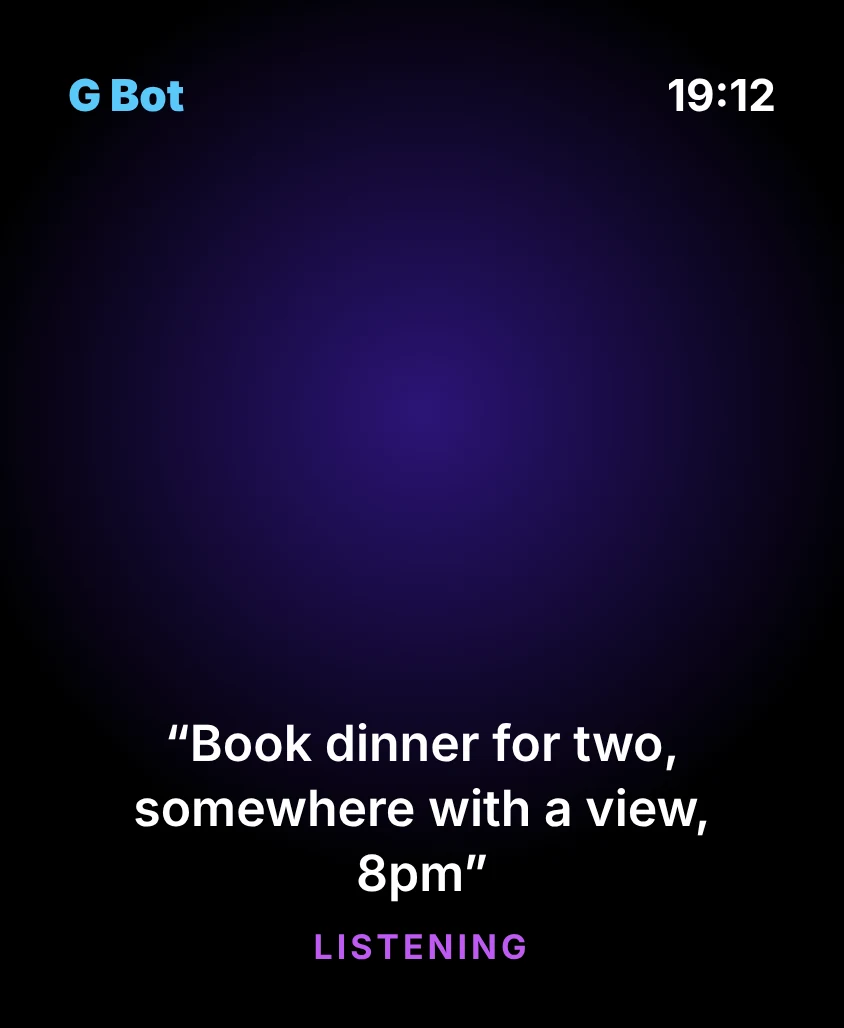
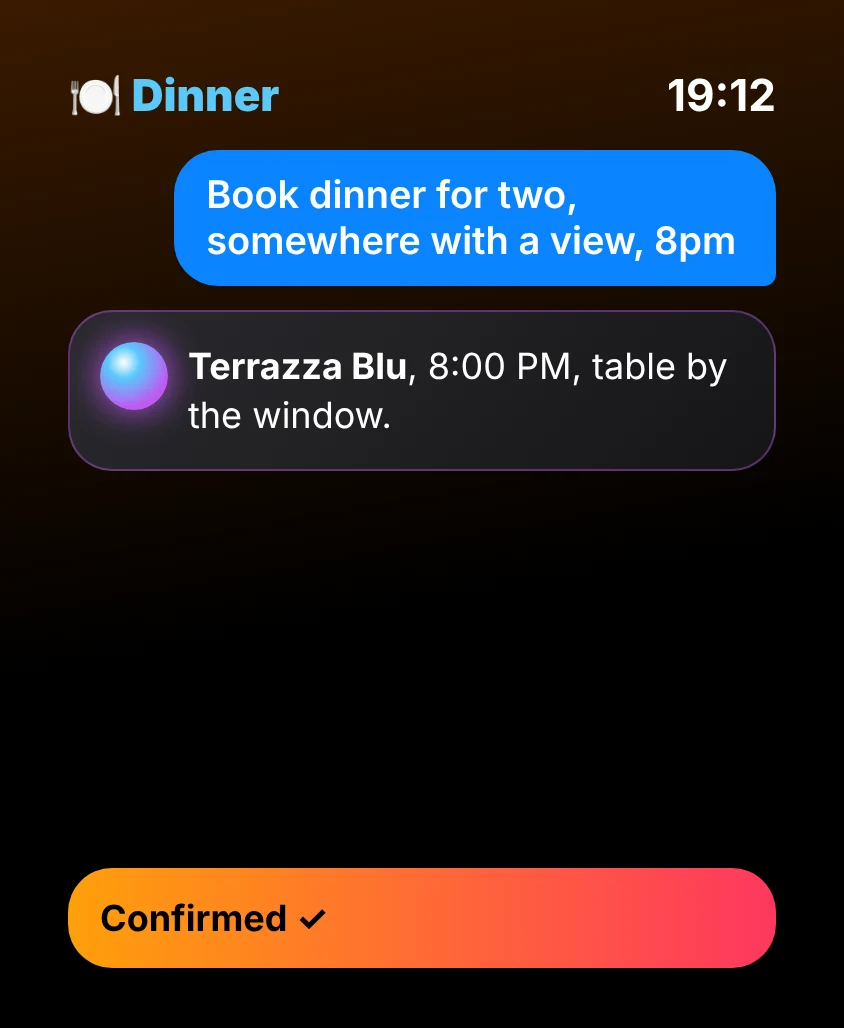
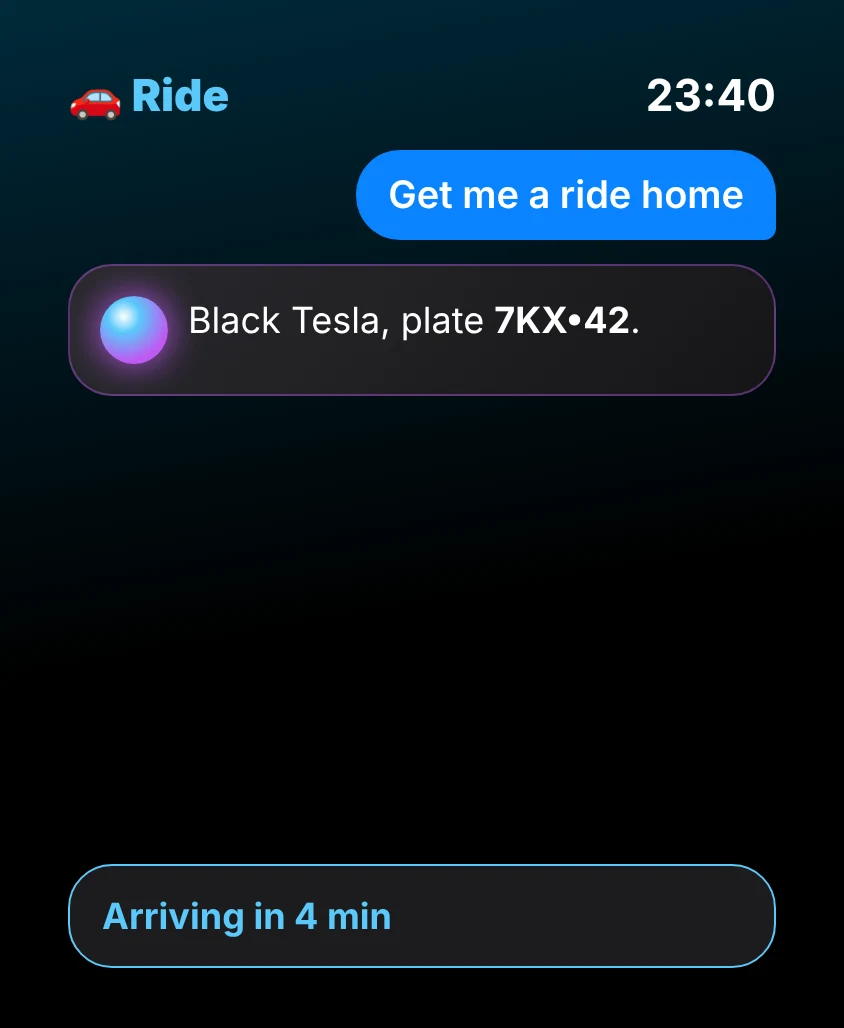
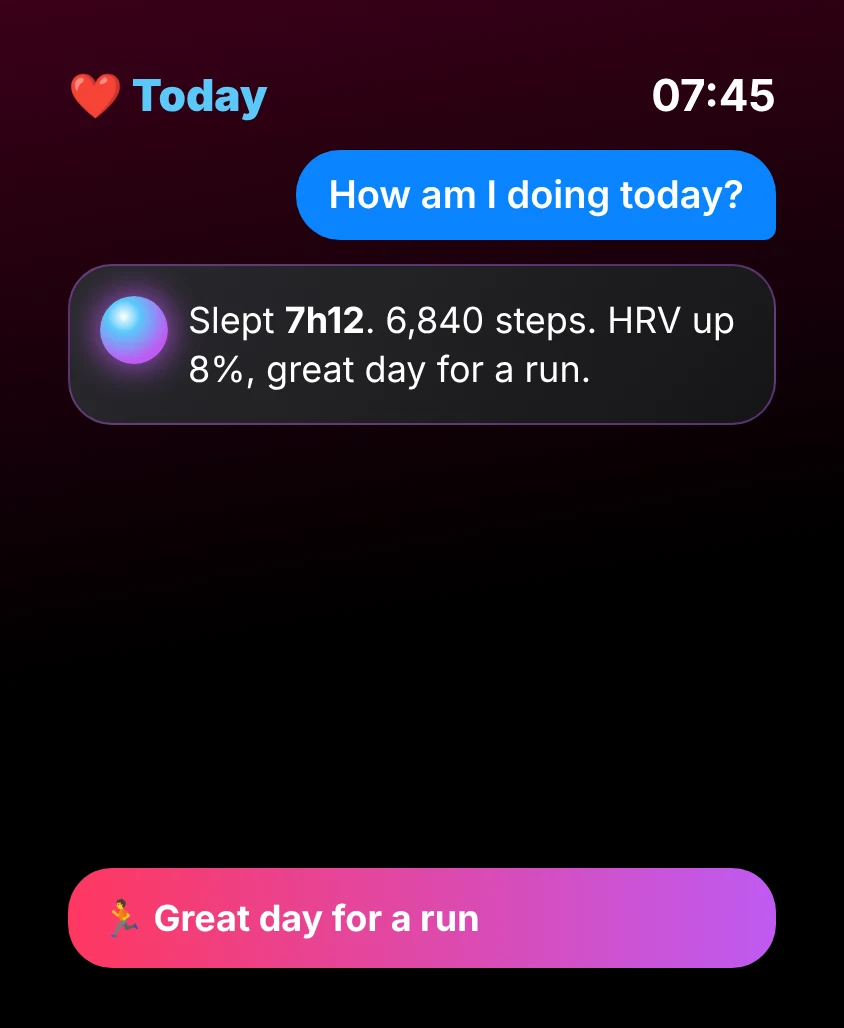
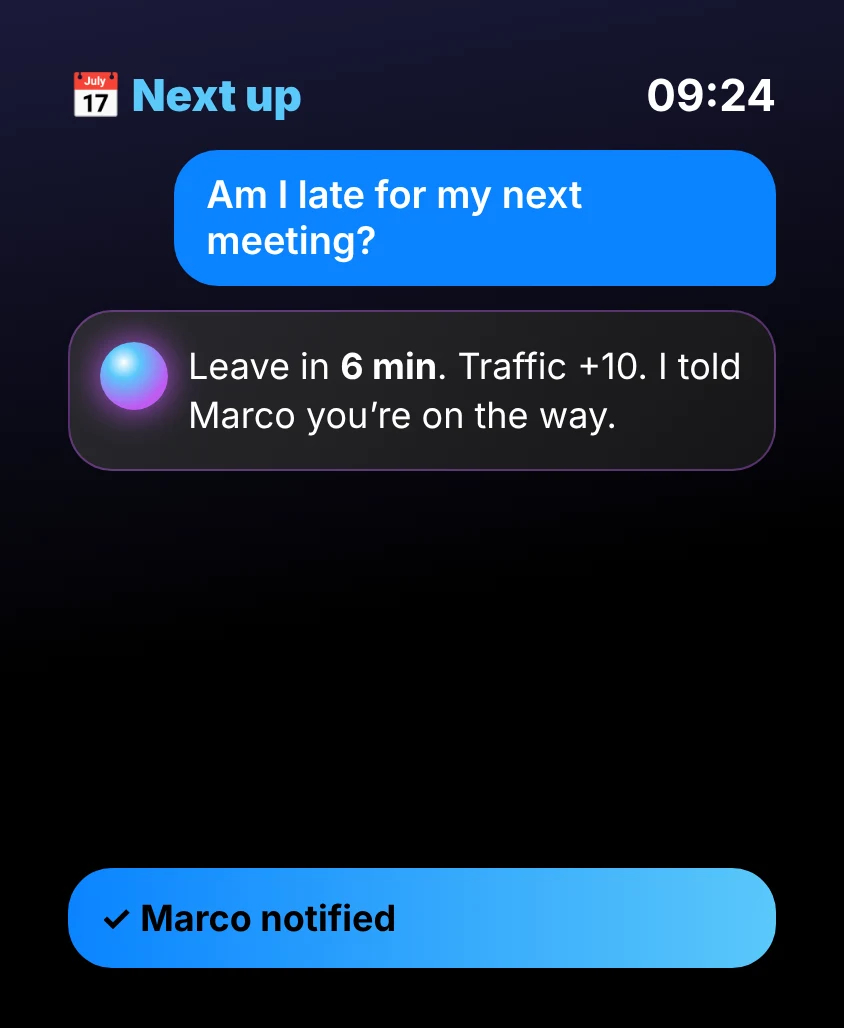
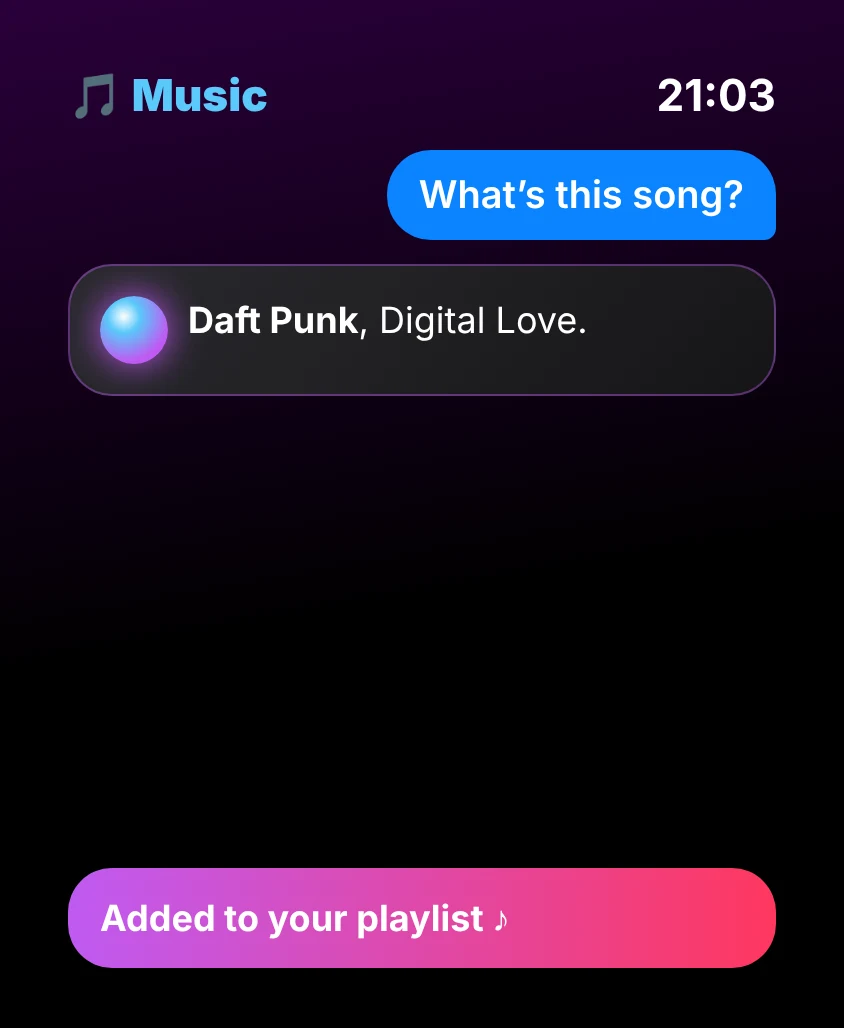
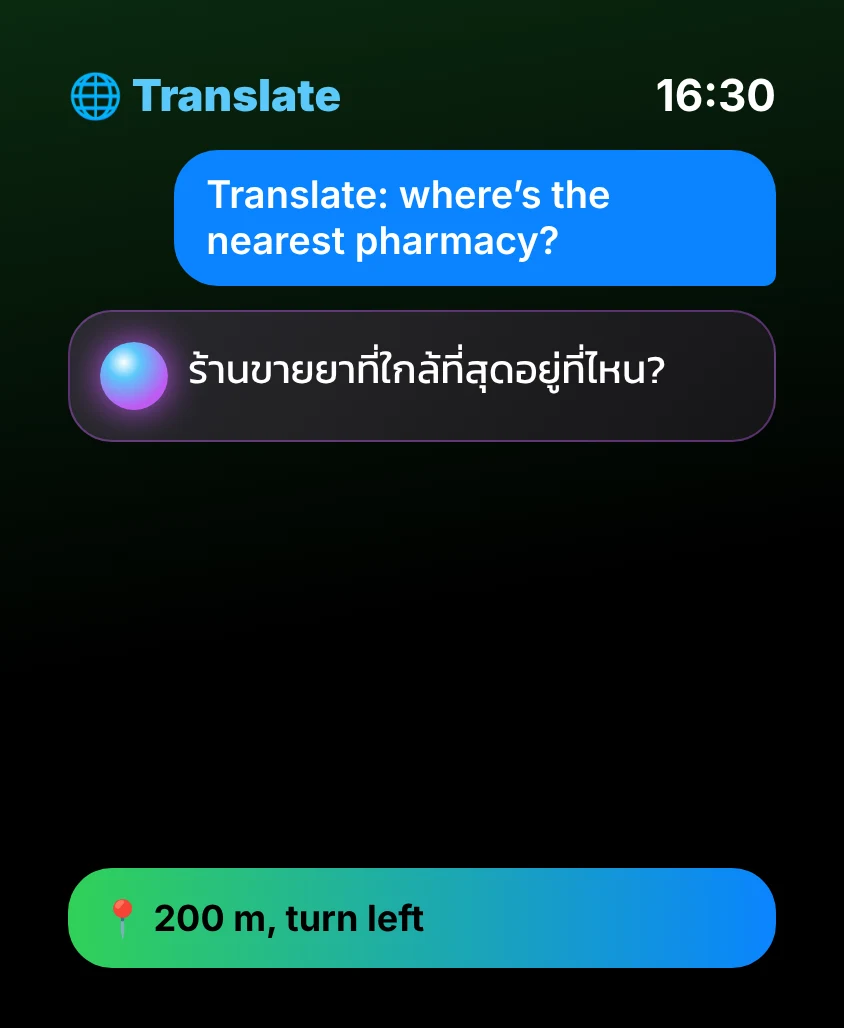
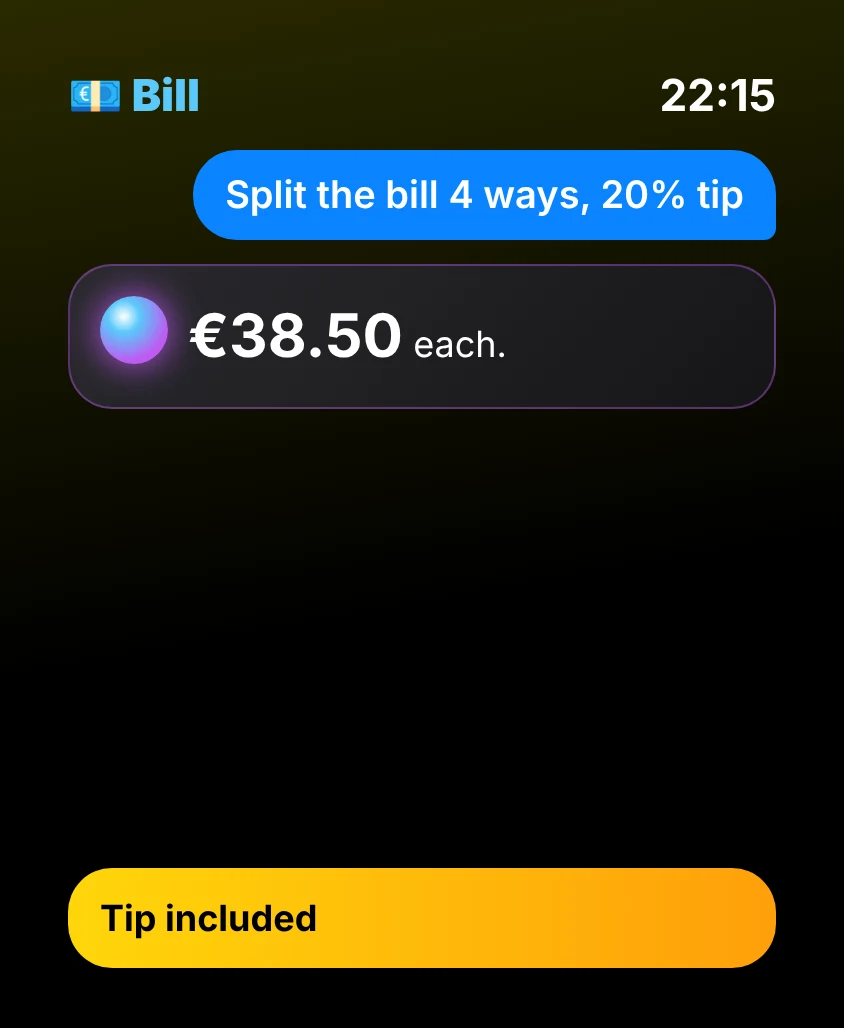
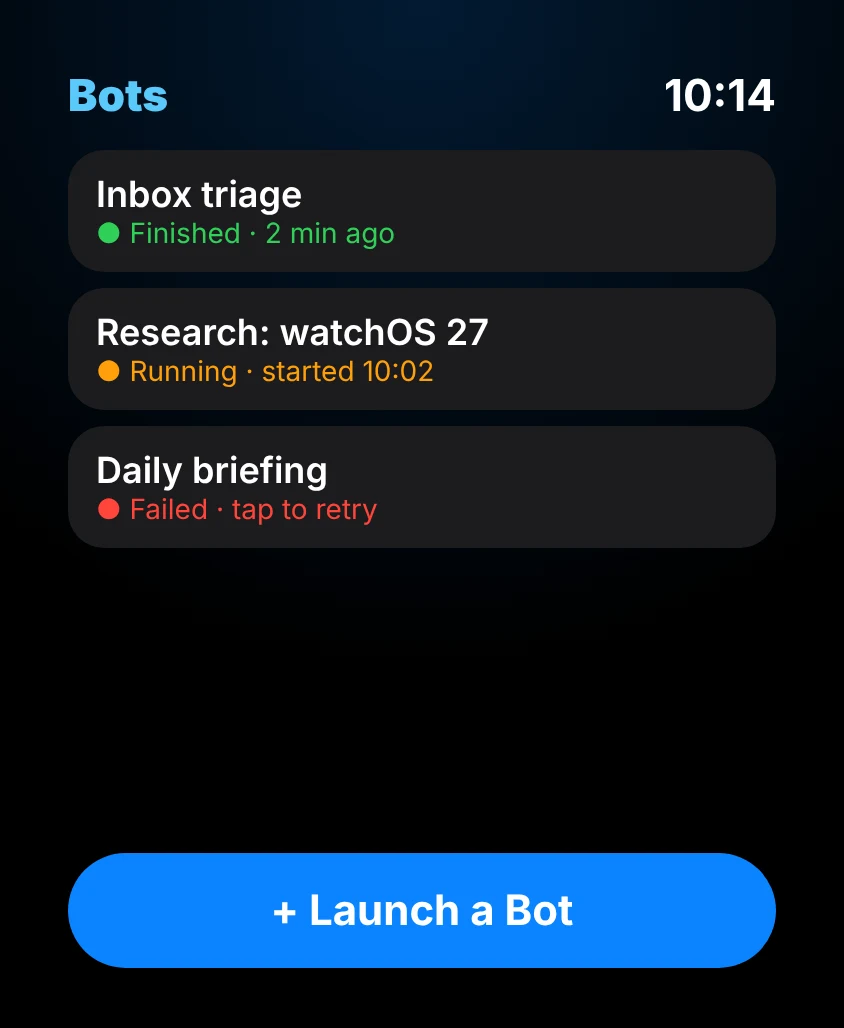
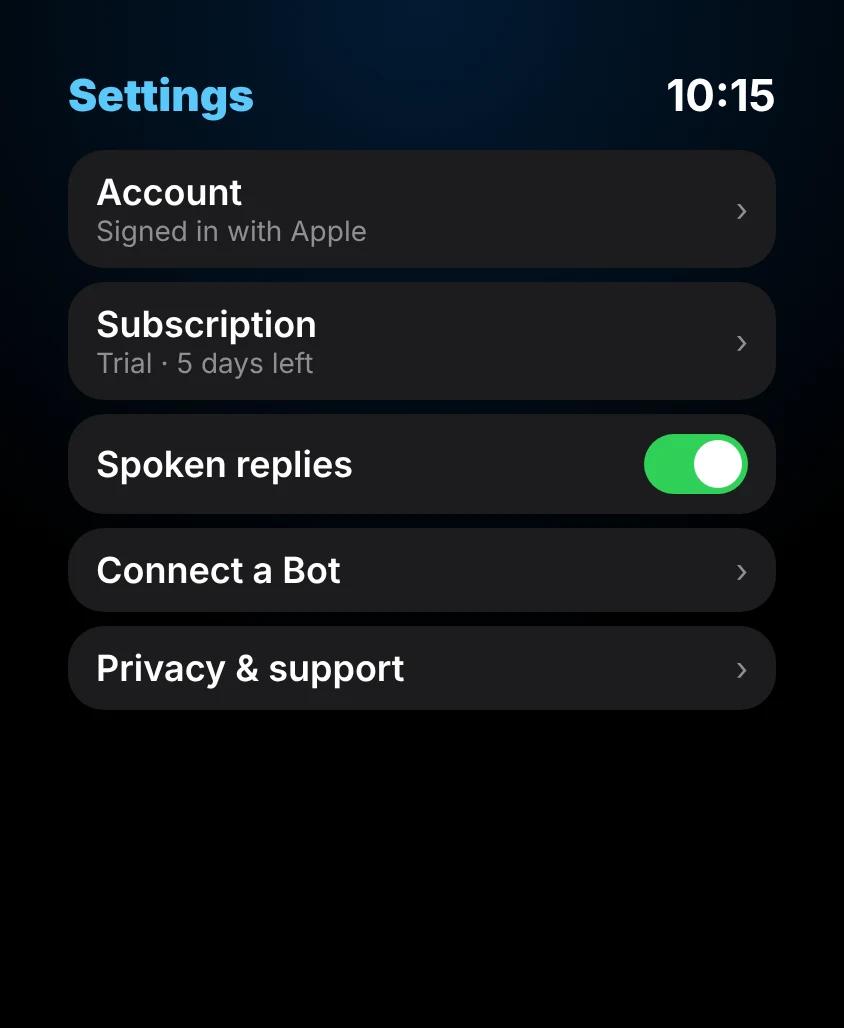
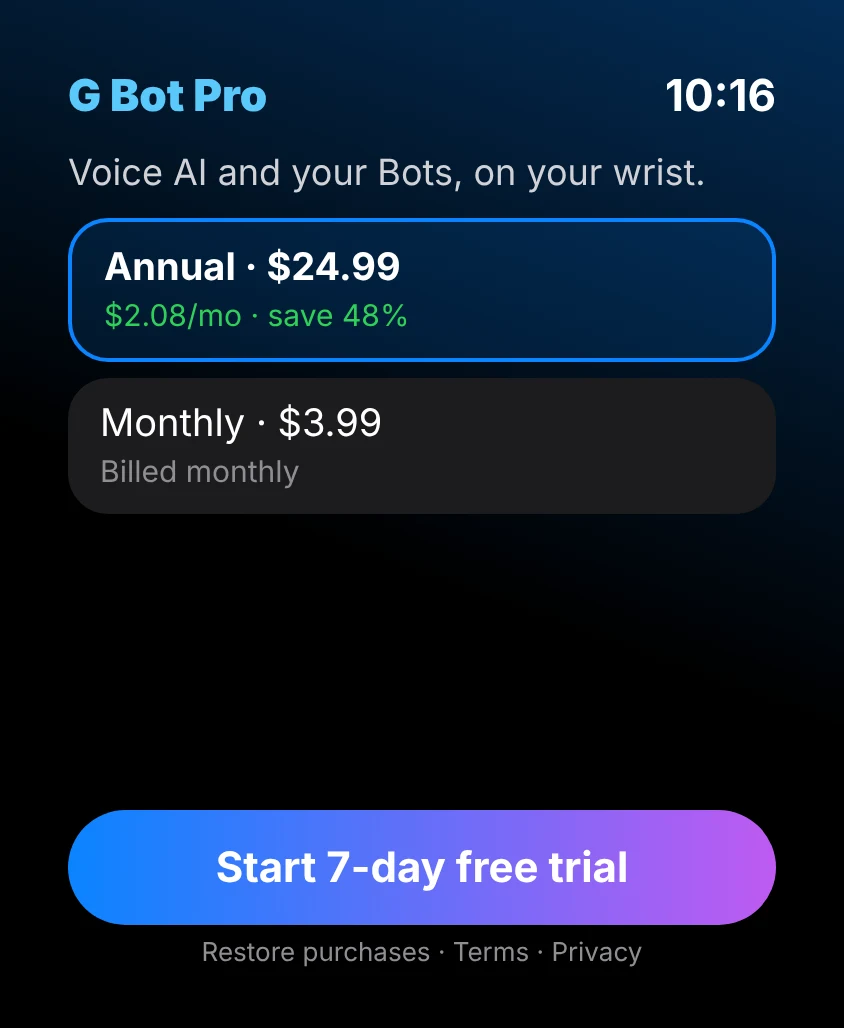
Illustrative screens
Made for watchOS 26 & 27.
Built for the latest watchOS: G Bot is always one glance or one tap away.
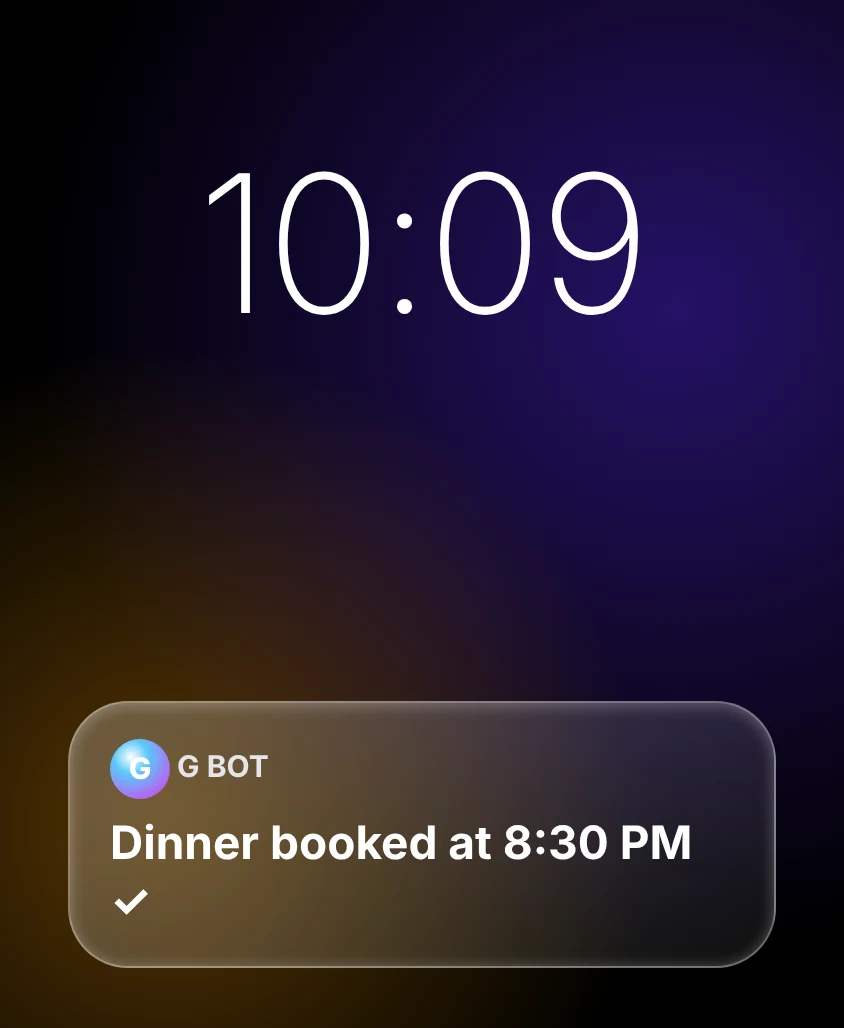
Liquid Glass design
Translucent Liquid Glass cards over your watch face, throughout G Bot.
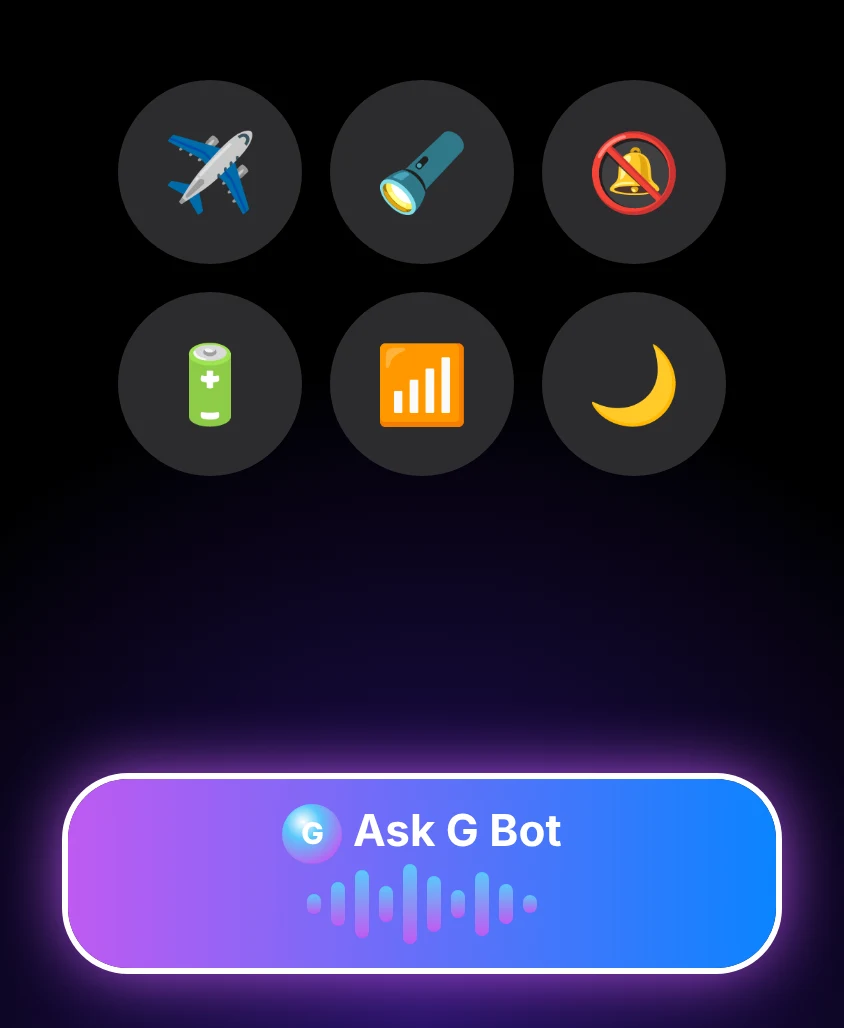
“Ask G Bot” in Control Center
An “Ask G Bot” control in Control Center: tap it and start talking.
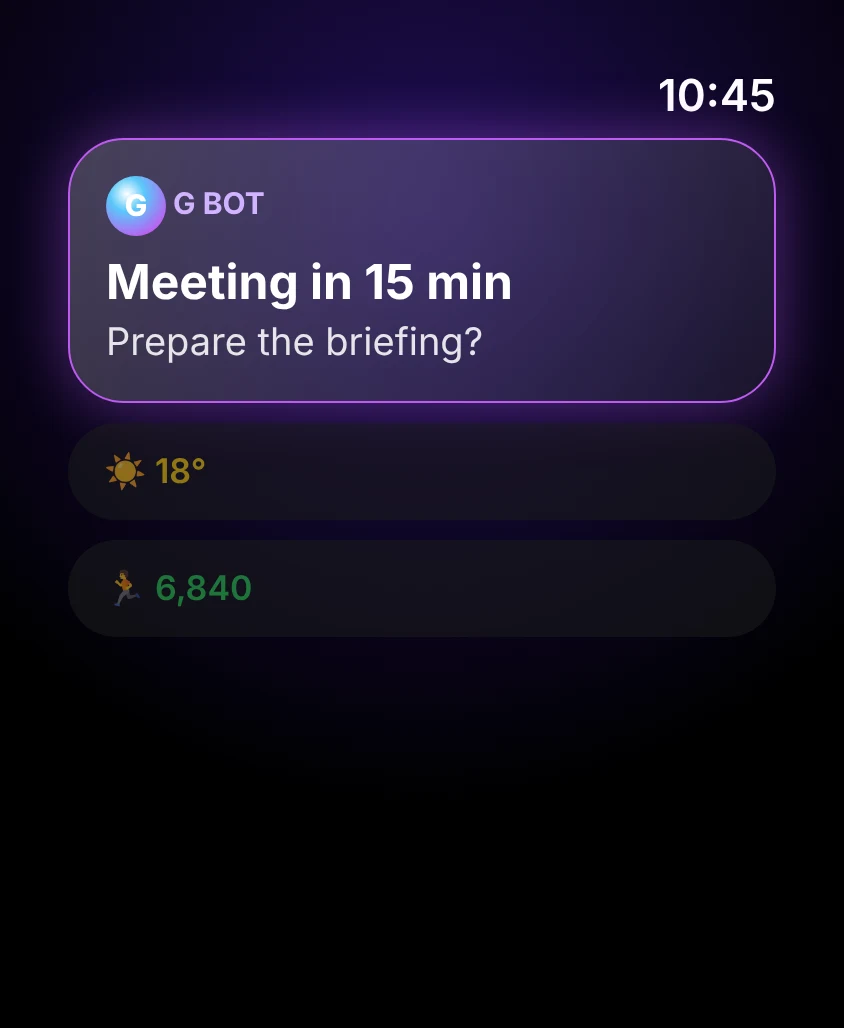
Smart Stack relevance
Relevance hints bring G Bot to the top of the Smart Stack when it matters.
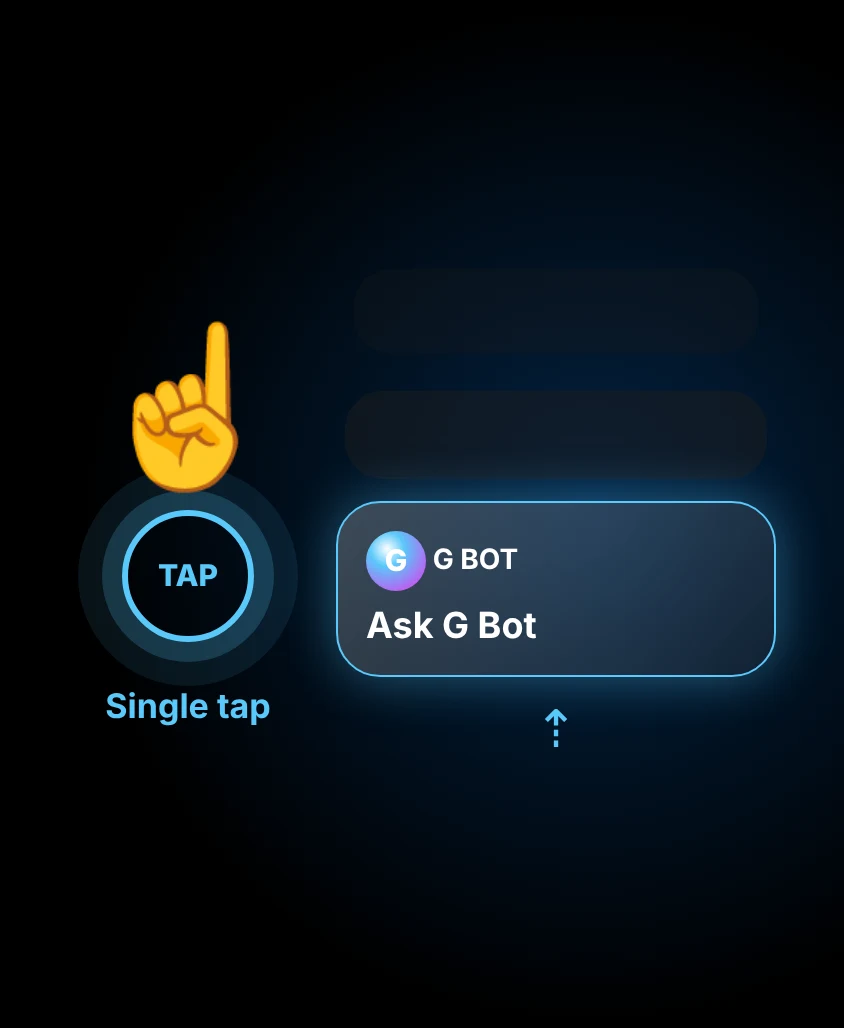
Single tap gesture
Reach G Bot in the Smart Stack with one hand, using the single tap gesture.
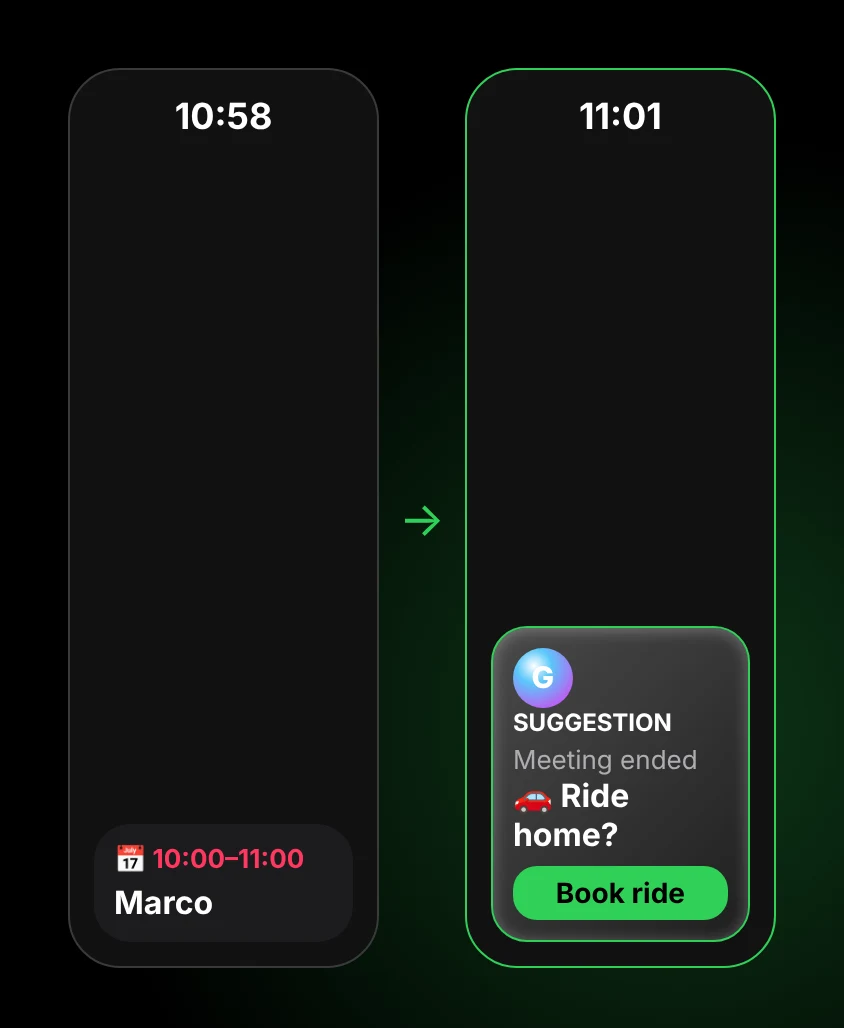
Smart Stack suggestions
Contextual suggestions in the Smart Stack, like a ride when your meeting ends.
Features marked watchOS 27 are planned for a future update. Availability depends on watch model, region and language. Apple Watch, watchOS and Liquid Glass are trademarks of Apple Inc. G Bot is not affiliated with or endorsed by Apple.
Features
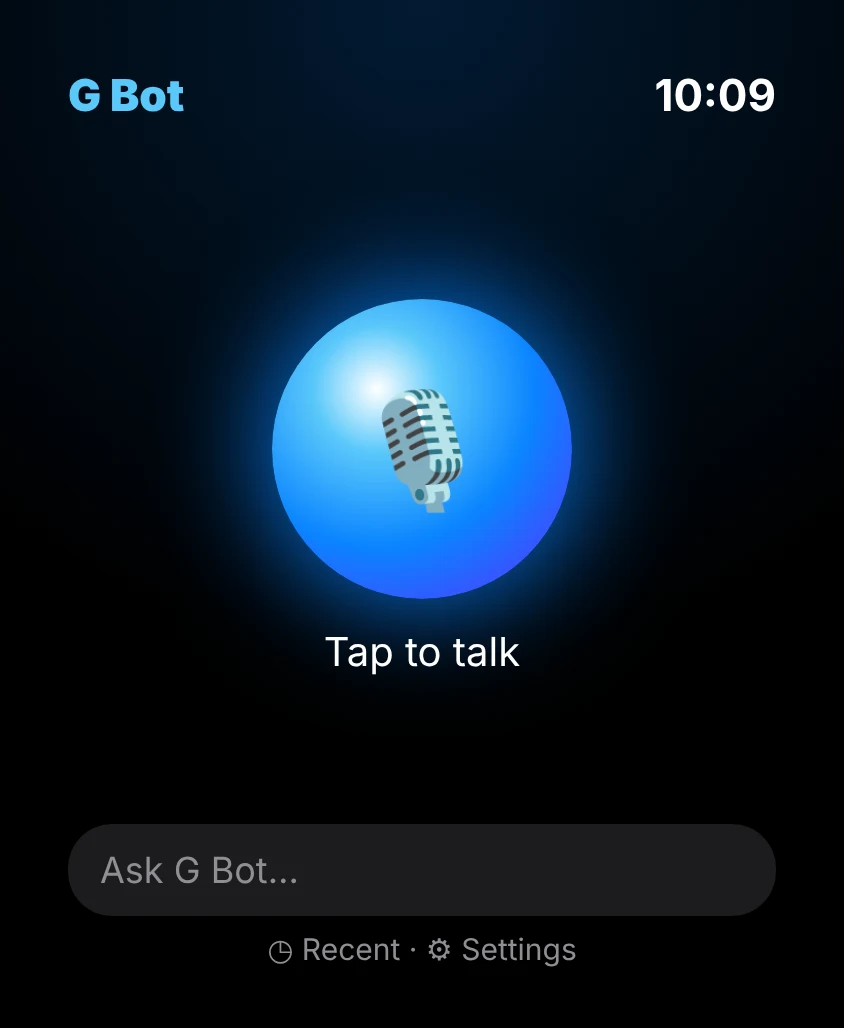
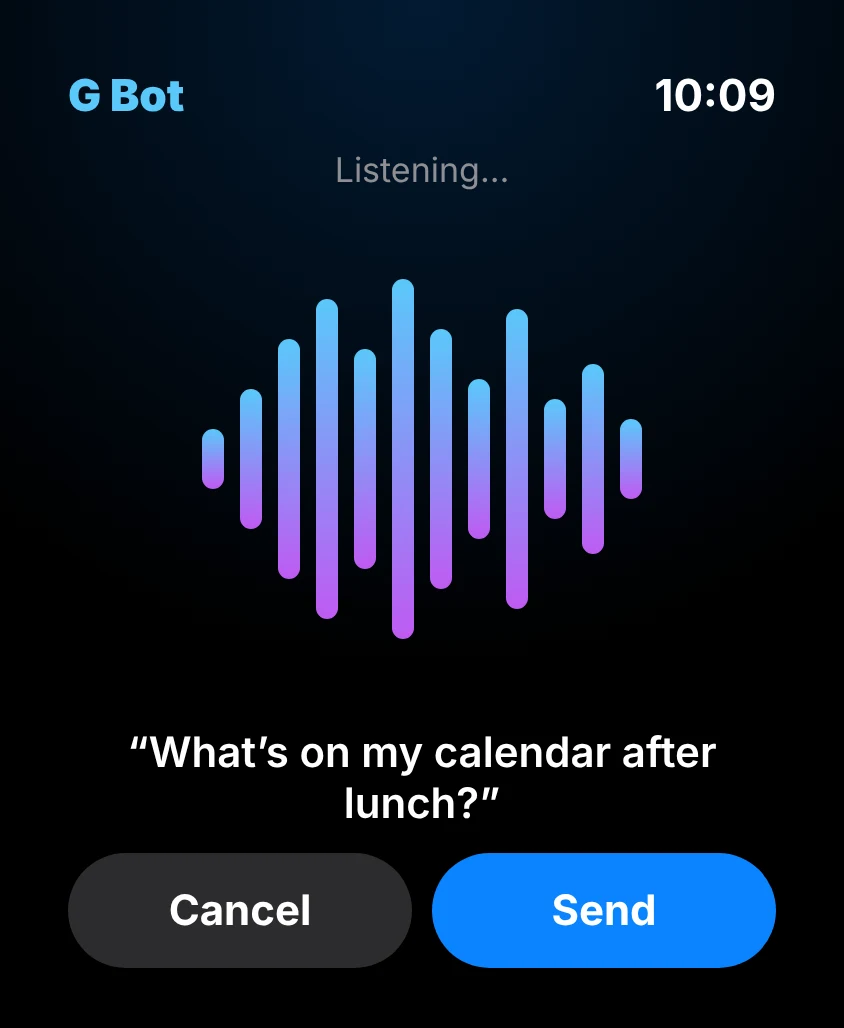
Talk by voice
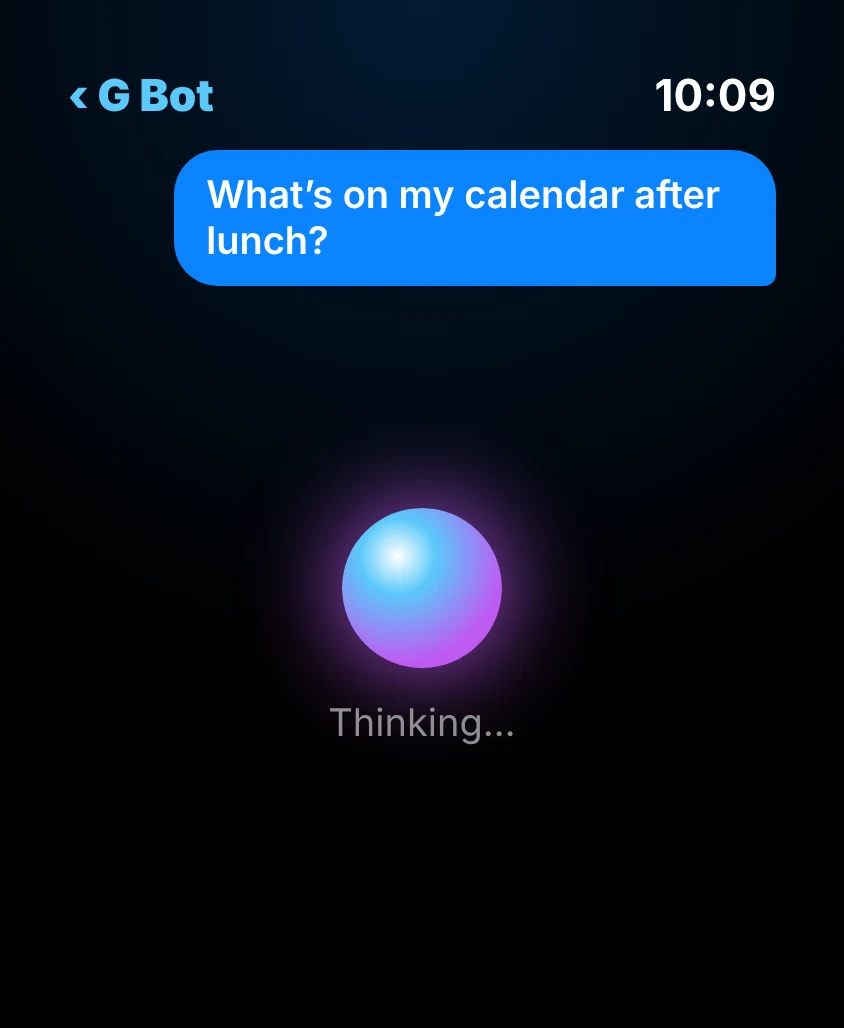
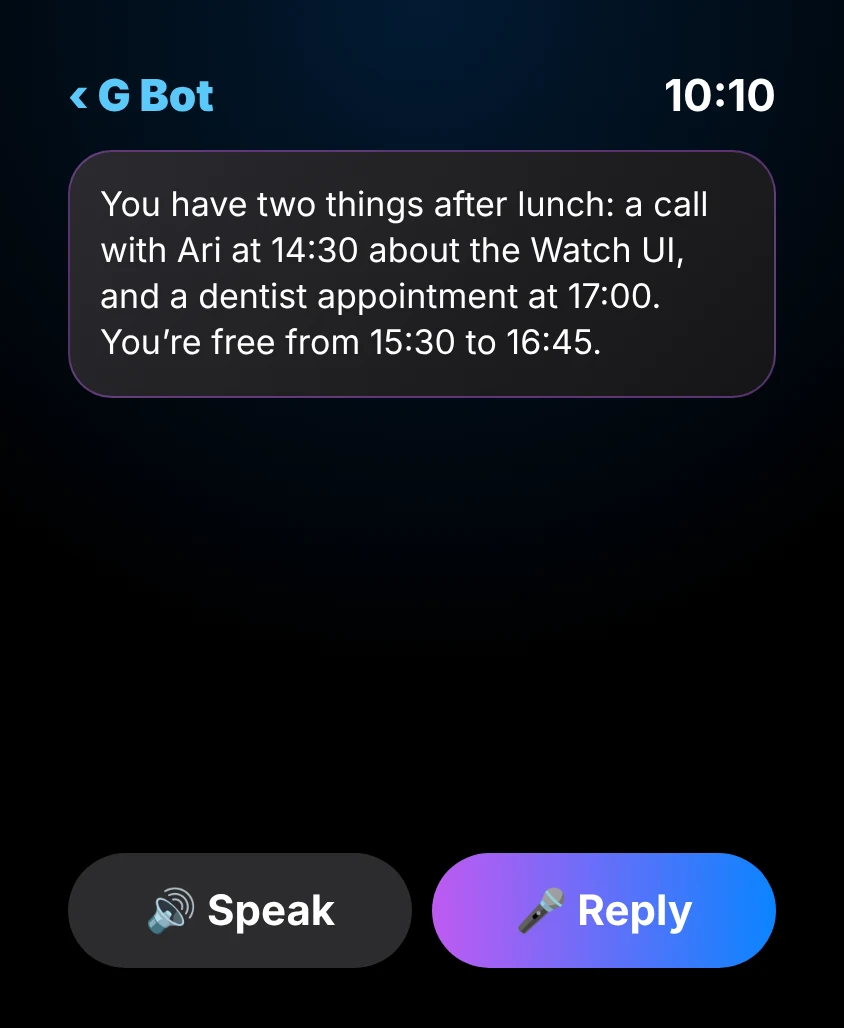
Dictate a prompt and hear Grok reply out loud. Hands stay free.
Launch your Bots
Send a short brief to a connected Grok Bot right from your wrist.
Know when it's done
Get a notification with a summary when a bot finishes.
Switch bots
Choose which bot gets your next request.
Works offline
Prompts are queued and sent as soon as you reconnect.
Private by design
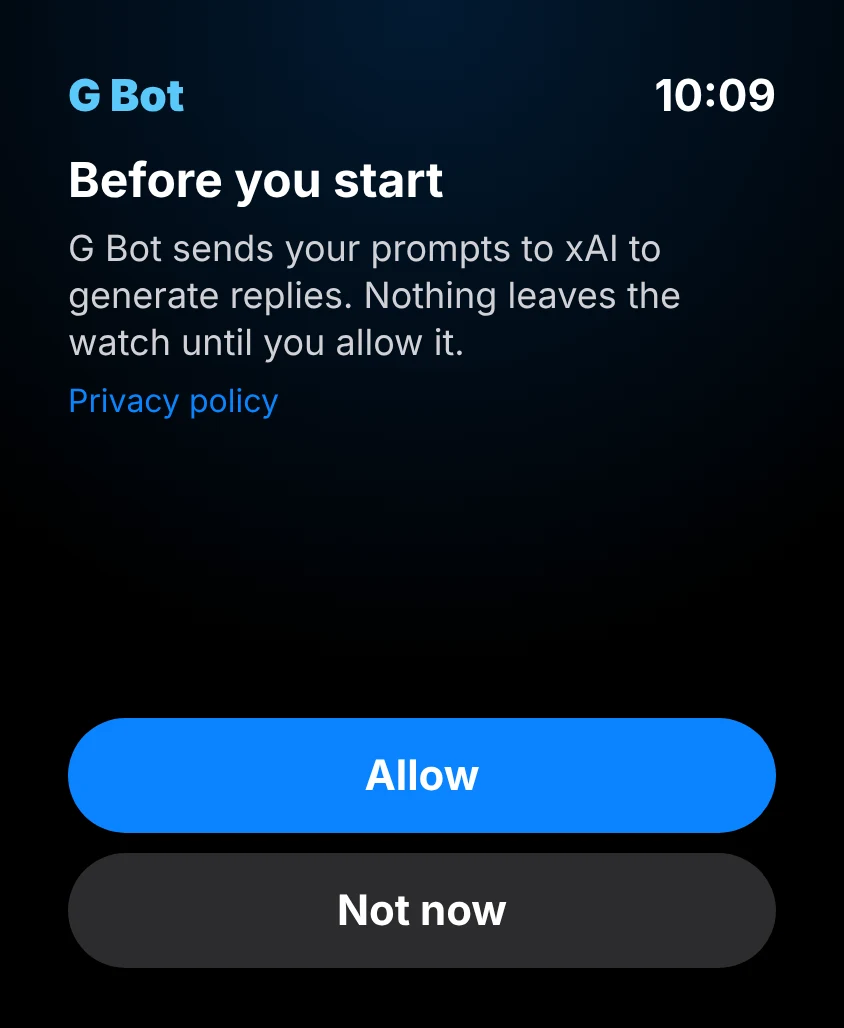
Voice is transcribed on the watch; only text is sent, and only after you agree.
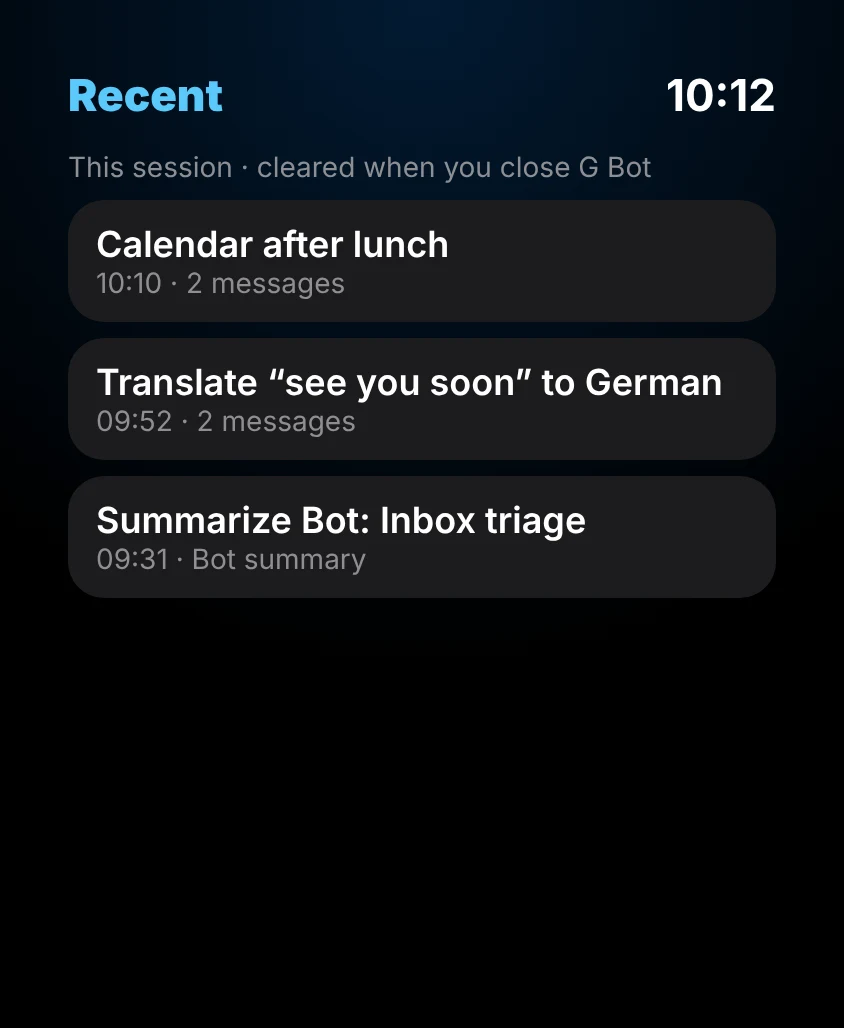
A look at the app Coming soon on the App Store
FAQ: using Grok on Apple Watch
What is G Bot?
G Bot is an independent Apple Watch app that lets you use Grok on Apple Watch: you talk to Grok AI by voice, launch your connected Grok Bots and get a notification with a summary when they finish. It is designed for watchOS 26 and watchOS 27 and is coming soon on the App Store.
When will G Bot be available?
G Bot is coming soon on the App Store for Apple Watch.
Do I need an xAI account?
Yes. G Bot connects to Grok through your own xAI access, and your Grok usage is billed by xAI under your own account. G Bot Pro covers the app's features, not your Grok usage.
Is my voice recorded or uploaded?
No. Speech is transcribed on your watch and only the text is sent, and only after you agree to the AI consent screen.
How do I cancel G Bot Pro?
Subscriptions are handled by Apple. Open Settings on your iPhone, tap your name, then Subscriptions, and choose G Bot.
How do I delete my account or data?
Use Settings › Delete account in the app, or email privacy@grokwatch.app. See the Privacy Policy.
Is G Bot made by xAI?
No. G Bot is an independent app, not affiliated with xAI.